安装指南Installation Guide
WindowsWindows
Clash Verge Rev 支持 x64、x86、arm64 三种架构的 Windows 系统。如果你不知道你的 CPU 架构,下载 x64 版本即可。Clash Verge Rev supports Windows on x64, x86, and arm64 architectures. If you are unsure of your CPU architecture, download the x64 version.
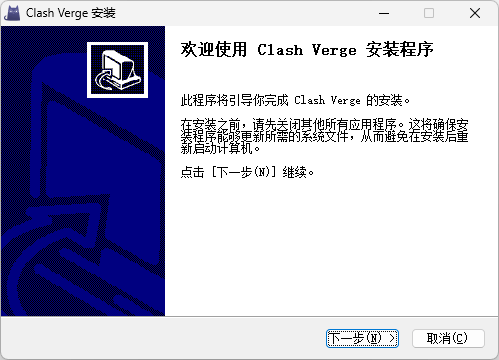
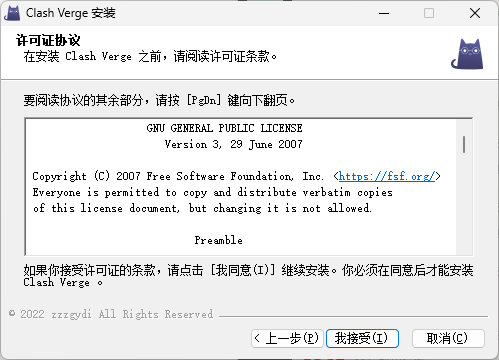
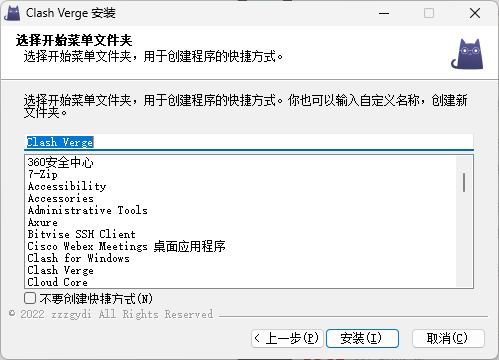
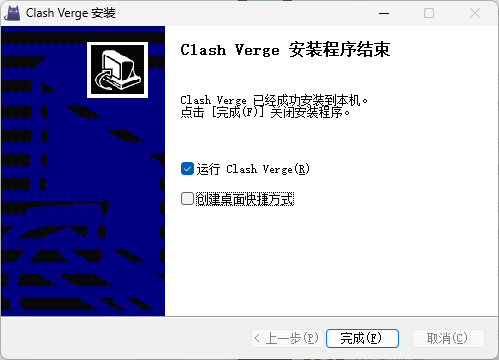
以 Windows 安装 x64 版本为例,只需要下一步、下一步直至安装完毕:For Windows x64 installation, just click Next until installation is complete.
便携版Portable Version
带有 portable 字样的 zip 压缩包是便携版,下载后解压即可使用。注意,便携版无法使用应用内更新功能,需要手动下载新版本的便携版并解压覆盖旧版本。The zip package with "portable" in its name is the portable version. Download and extract it to use. Note that the portable version does not support in-app updates.
便携版通过检测目录下的 .config/PORTABLE 文件来判断是否为便携版,如果你想要和安装版使用相同的配置文件路径,删除 .config/PORTABLE 文件即可。Portable mode is detected by the presence of .config/PORTABLE file in the directory. Delete this file to share the same config path with the installed version.
MacOSMacOS
Clash Verge Rev 支持 x64、ARM64 两种架构的 macOS 系统。如果你使用的是 Intel 芯片的 Mac,下载 x64 版本即可。如果你使用的是 M1/M2/M3 芯片的 Mac,下载 ARM64 版本即可。Clash Verge Rev supports macOS on x64 and ARM64. Use x64 for Intel Macs and ARM64 for M1/M2/M3 Macs.
LinuxLinux
Clash Verge Rev 支持 x64、x86、arm64 三种架构的 Linux 系统。仅提供 deb 和 AppImage 两种安装包。Clash Verge Rev supports Linux on x64, x86, and arm64. Only deb and AppImage packages are provided.
Ubuntu/Debian 用户请下载 deb 安装包。Arch Linux/Manjaro 用户可以通过 AUR 安装。其他发行版用户可以通过解压 deb 包得到可执行文件重新打包,也可以直接使用 AppImage。Ubuntu/Debian users should download the deb package. Arch Linux/Manjaro users can install via AUR. Other distributions can extract the deb package or use AppImage directly.